
Laravel Installation & API Guide
A step-by-step tutorial for beginners
Laravel Installation
1
Prerequisites
Before installing Laravel, ensure you have the following installed:
- PHP ≥ 8.1
- Composer (PHP dependency manager)
- MySQL or other database system
- Web server (Apache/Nginx) or use Laravel's built-in server
Checking PHP and Composer versions
2
Install Laravel via Composer
Use Composer to create a new Laravel project:
composer create-project laravel/laravel my-laravel-app
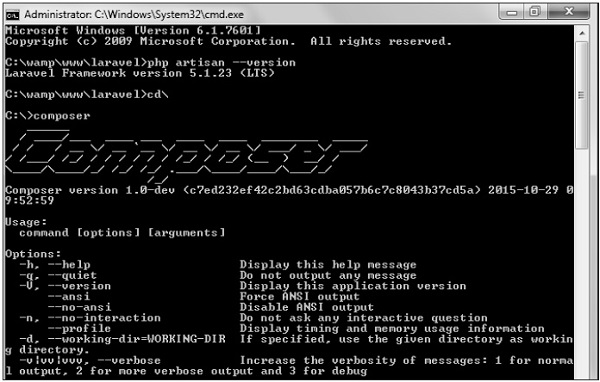
Installing Laravel via Composer
3
Configure Environment
Set up your environment variables:
- Copy
.env.exampleto.env - Generate application key:
php artisan key:generate - Configure database settings in
.envfile

Example .env file configuration
4
Run the Application
Start the development server:
php artisan serve

Starting Laravel development server
Creating APIs with Laravel
1
API Basics
Laravel makes it easy to build RESTful APIs. Key concepts:
- Routes: Define API endpoints
- Controllers: Handle request logic
- Models: Interact with database
- Resources: Transform data for API responses
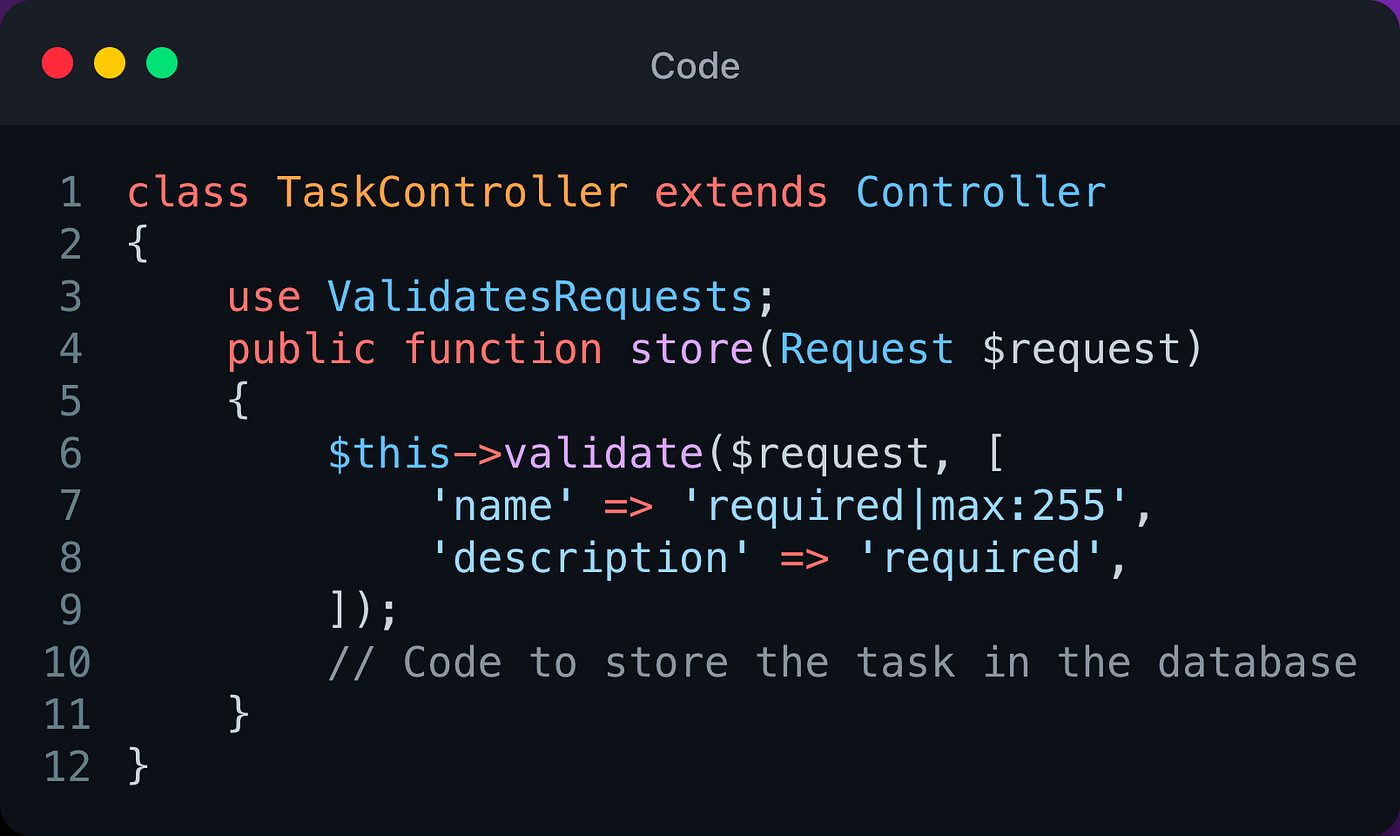
Basic API controller structure
2
Creating API Routes
Define routes in routes/api.php:
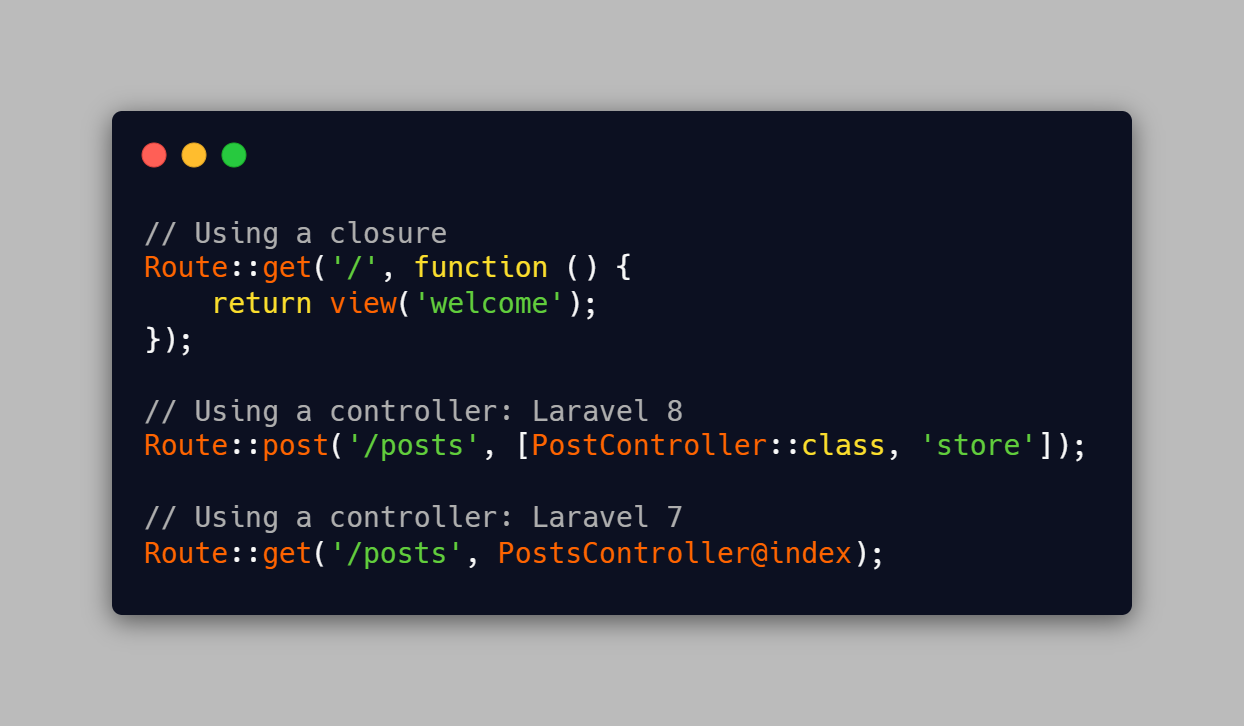
API route definitions
3
Creating a Controller
Generate a controller with Artisan:
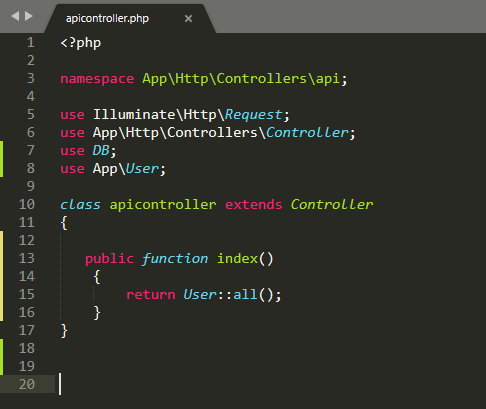
Generating an API controller
4
Testing Your API
You can test your API with:
- Postman
- cURL
- Laravel's built-in HTTP tests
Testing API endpoint with cURL